The Friction of Getting Paid on Time
For freelancers, consultants, and independent contractors, the actual client work is often the easiest part of the job. The real friction begins at the end of the month when it is time to collect payment. Corporate Accounts Payable departments are notoriously strict. If you submit an invoice without the proper expense documentation, or if your file is too large to pass through their legacy email firewall, your payment will be delayed by another thirty days. To get paid on time, you need to submit a flawless, highly organized billing packet.
The typical freelance billing nightmare goes like this: You have your main invoice exported from your accounting software. You also have five different smartphone photos of coffee and software receipts that need to be reimbursed. Finally, you have a massive Master Services Agreement (MSA) from the client that outlines their specific 'Net-30' or 'Net-60' payment terms, which you need to verify before sending the email. Attempting to attach all these loose, unorganized files to an email makes you look unprofessional and guarantees a slow processing time from the client.
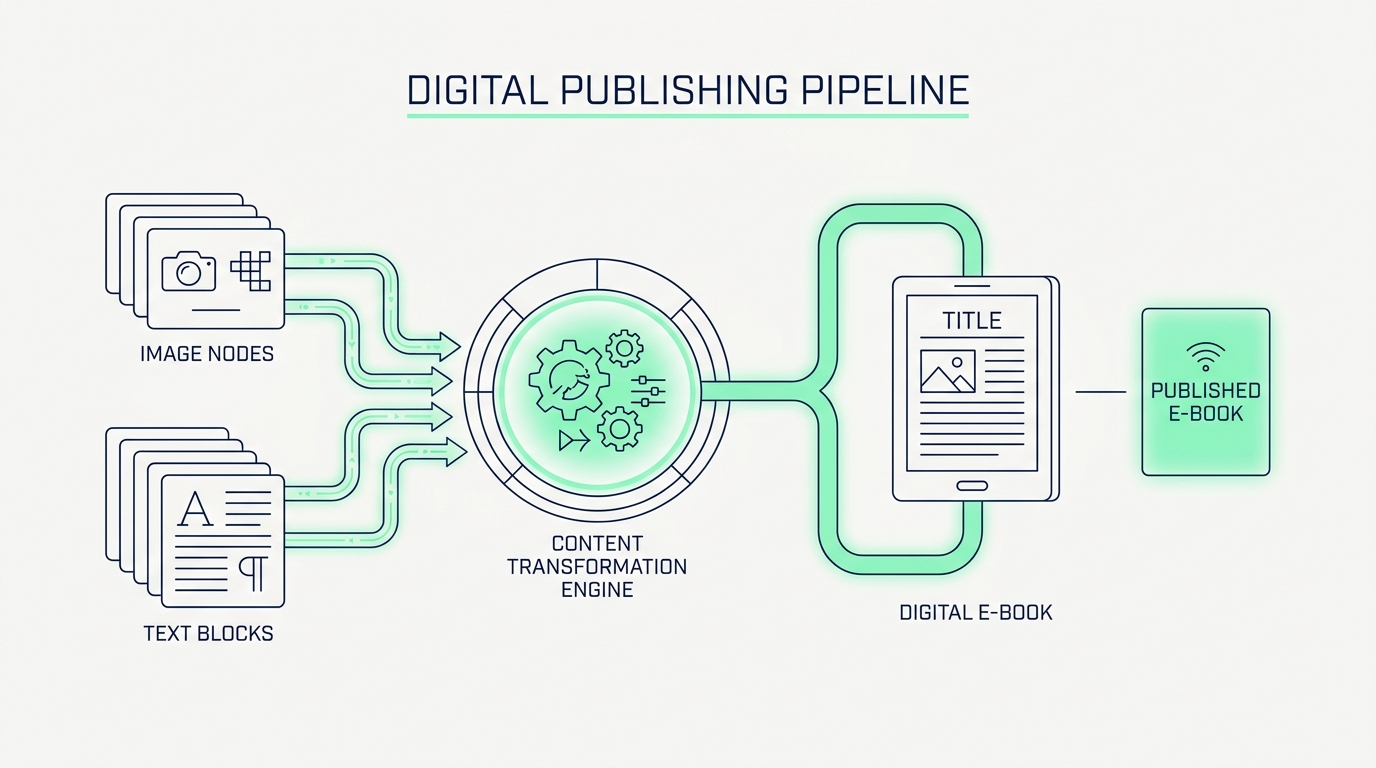
To solve this, you can utilize a chained, four step browser workflow to build the ultimate billing packet. By combining the Terms Scanner, Image to PDF converter, PDF Merger, and PDF Compressor, you can transform scattered administrative chaos into a single, lightweight, and undeniably professional submission. Because this entire process happens locally in your browser, your sensitive financial data and your client's confidential contract terms never leave your personal computer.
Phase 1: Verification and Digitization
Before you even generate your invoice, you need to verify the rules of engagement. Drop the client's original contract into the Terms Scanner. Instead of manually reading twenty pages of legal jargon to find out when you actually get paid, the tool will instantly extract the clauses related to billing, payment windows, and late fees. Once you confirm you are operating under 'Net-30' terms, you can confidently add the correct due date to your invoice.
Next, you must handle your expenses. You cannot send raw `.jpg` photos of your lunch receipts to a corporate accounting team. Open the Image to PDF tool and drag all your receipt photos into the browser. The tool will automatically scale them and lock them into standard A4 PDF pages. This step digitizes your physical expenses into a format that the corporate world actually respects and accepts.
Phase 2: Consolidation and Optimization
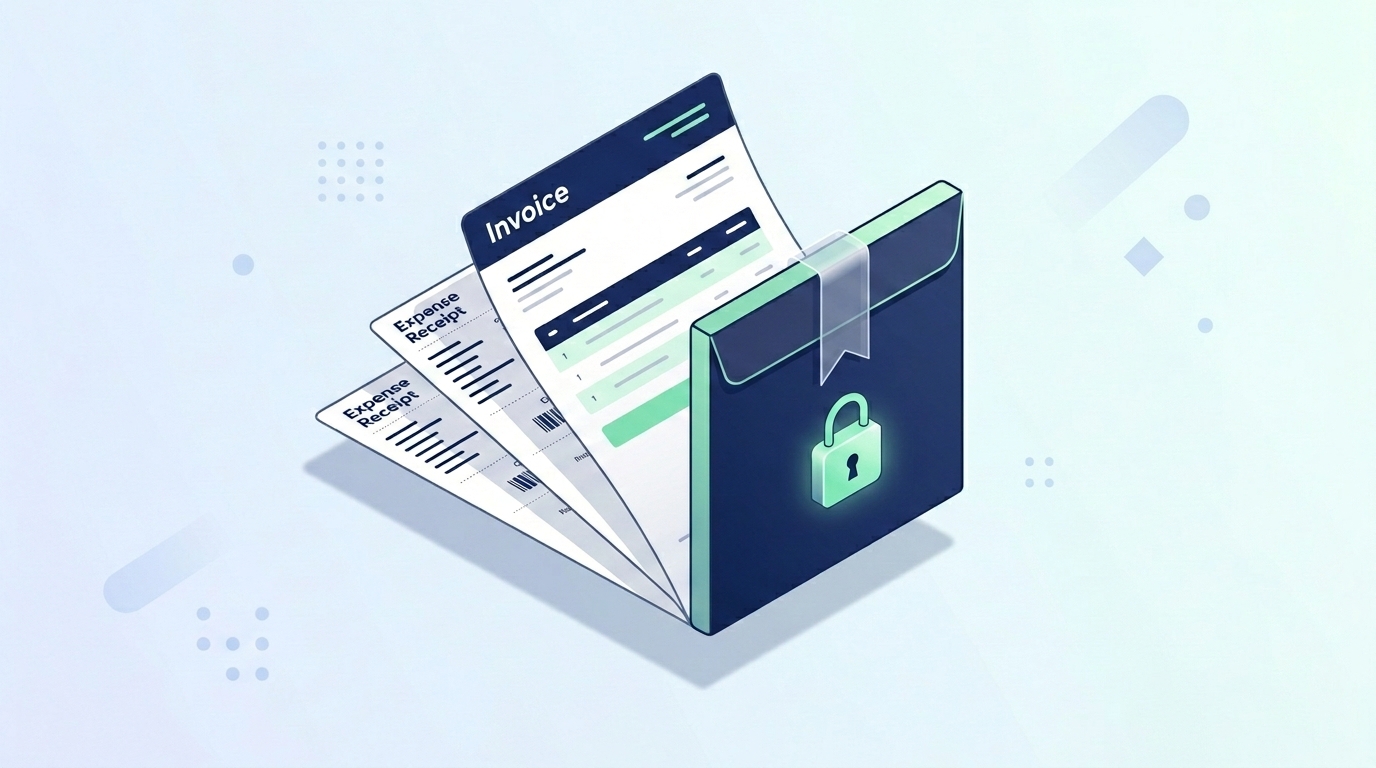
Now you have your main Invoice PDF and your newly created Receipts PDF. It is time to bind them together. Open the Merge PDF tool. Upload your invoice first, so it serves as the cover page of the document, and upload the receipts second. With one click, you fuse these documents into a single, cohesive "End of Month Billing" file. The narrative is clear: here is what you owe me, and here is the strict proof of the expenses on the following pages.
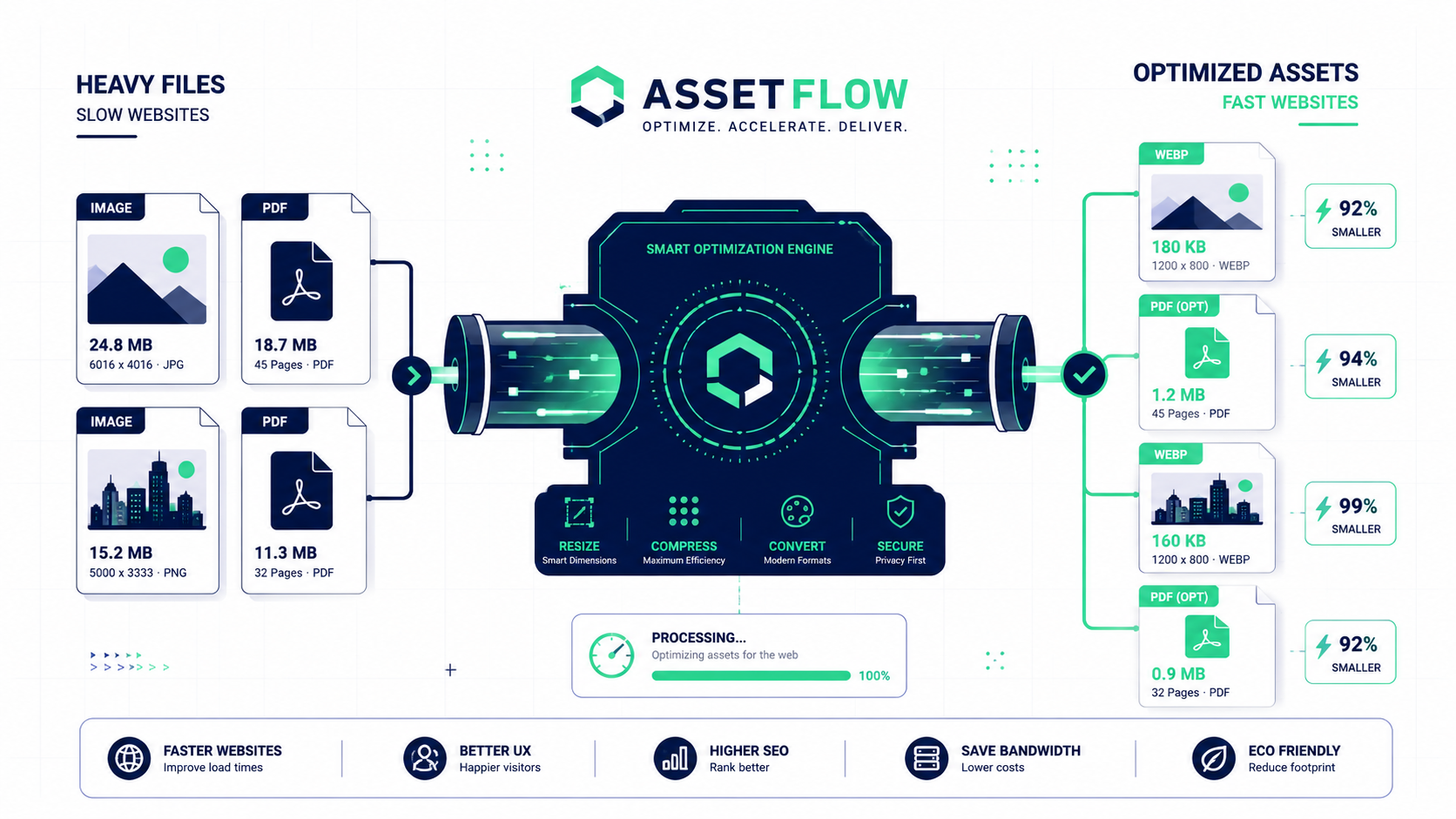
The final hurdle is file size. If your receipts were photographed on a high resolution smartphone, your merged PDF might be 15MB. Drop this final merged file into the Compress PDF tool. The local compression algorithm will downsample the receipt images without making the text illegible, shrinking the file to under 2MB. You now have a verified, consolidated, and highly optimized billing packet ready to send to the client, guaranteeing a frictionless payment process.