
The Paradigm Shift: Moving Processing to the Edge
For the past two decades, the standard paradigm in web development dictated that the browser was merely a dumb terminal—a simple rendering engine whose sole purpose was to display what the server commanded. If a user needed to compress a photograph, merge a PDF, or format a messy data payload, the standard operating procedure was to open a network connection, upload the user's raw, unencrypted file to a remote server, process it using a backend language, and subsequently download the finished artifact back to the client. While this approach was necessary when local machines possessed limited computational power, continuing this practice today is fundamentally flawed from both a performance and a privacy standpoint.
In the modern era of industry-grade web development, continuing to rely on server-side endpoints for basic utility tasks introduces unacceptable latency and massive security vulnerabilities. Every time a user uploads a sensitive file—whether it is an unreleased creative portfolio, a scanned tax document, or a proprietary architectural schematic—they are relinquishing control of their private data to an external ecosystem. Even if a server promises to instantly delete the file after processing, the data is still vulnerable in transit, susceptible to packet sniffing, man-in-the-middle attacks, and temporary server logging errors. The modern, highly sophisticated alternative is the Zero-Server Pipeline: executing complex file manipulations entirely within the local execution context of the user's web browser.
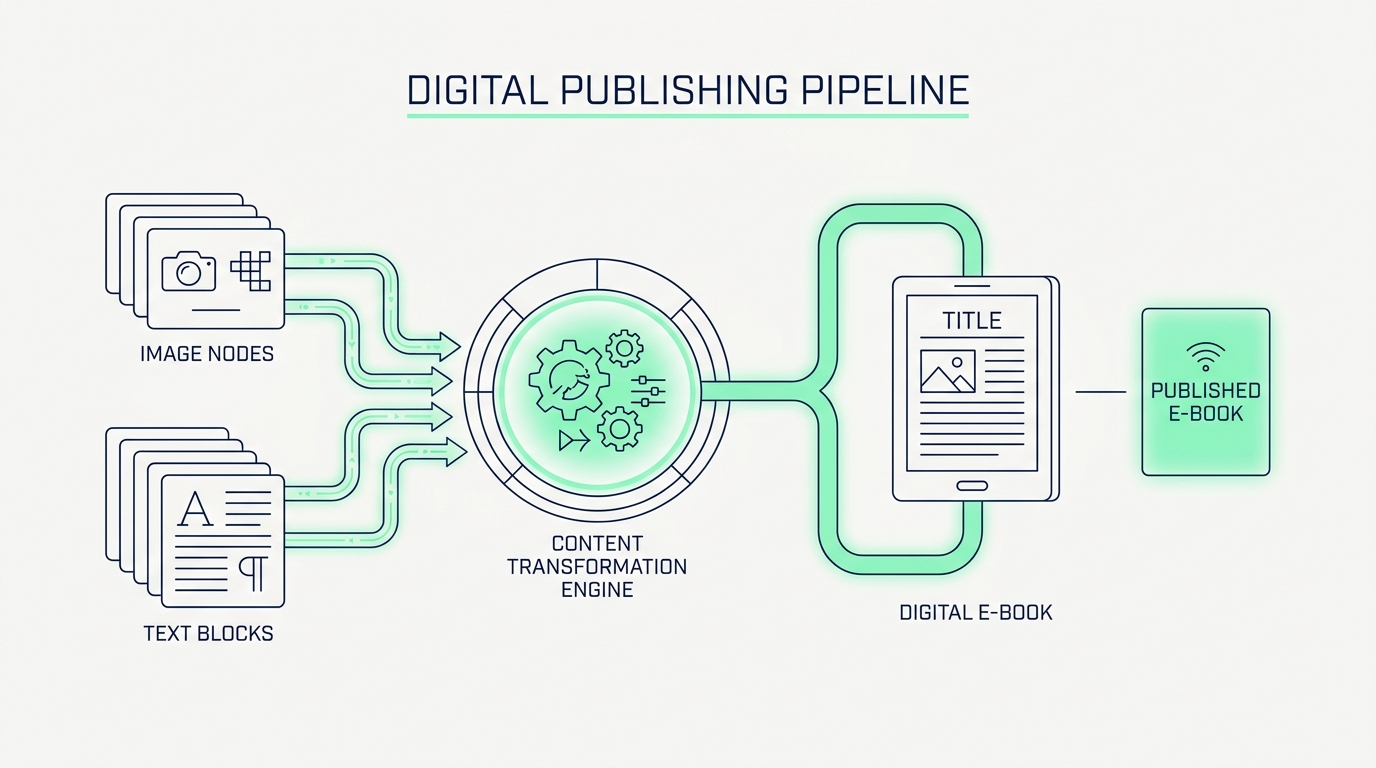
Building browser-based, privacy-first utility tools requires a fundamental rethinking of how we handle data flow. By leveraging modern Web APIs, such as the HTML5 Canvas API for pixel manipulation, the File API for memory-safe read operations, and WebAssembly for heavy algorithmic lifting, developers can build production-level applications that rival traditional desktop software. This transition not only completely eliminates cloud computing costs for the developer but also establishes an unbreakable covenant of trust with the user. In this comprehensive guide, we will dissect a highly optimized, three-step client-side workflow: taking raw visual assets, drastically reducing their memory footprint via local compression, encoding them into portable Base64 strings to eliminate HTTP bottlenecks, and structurally validating them within strict JSON payloads to adhere to Clean Architecture principles.
Phase 1: Local Image Compression and Downsampling
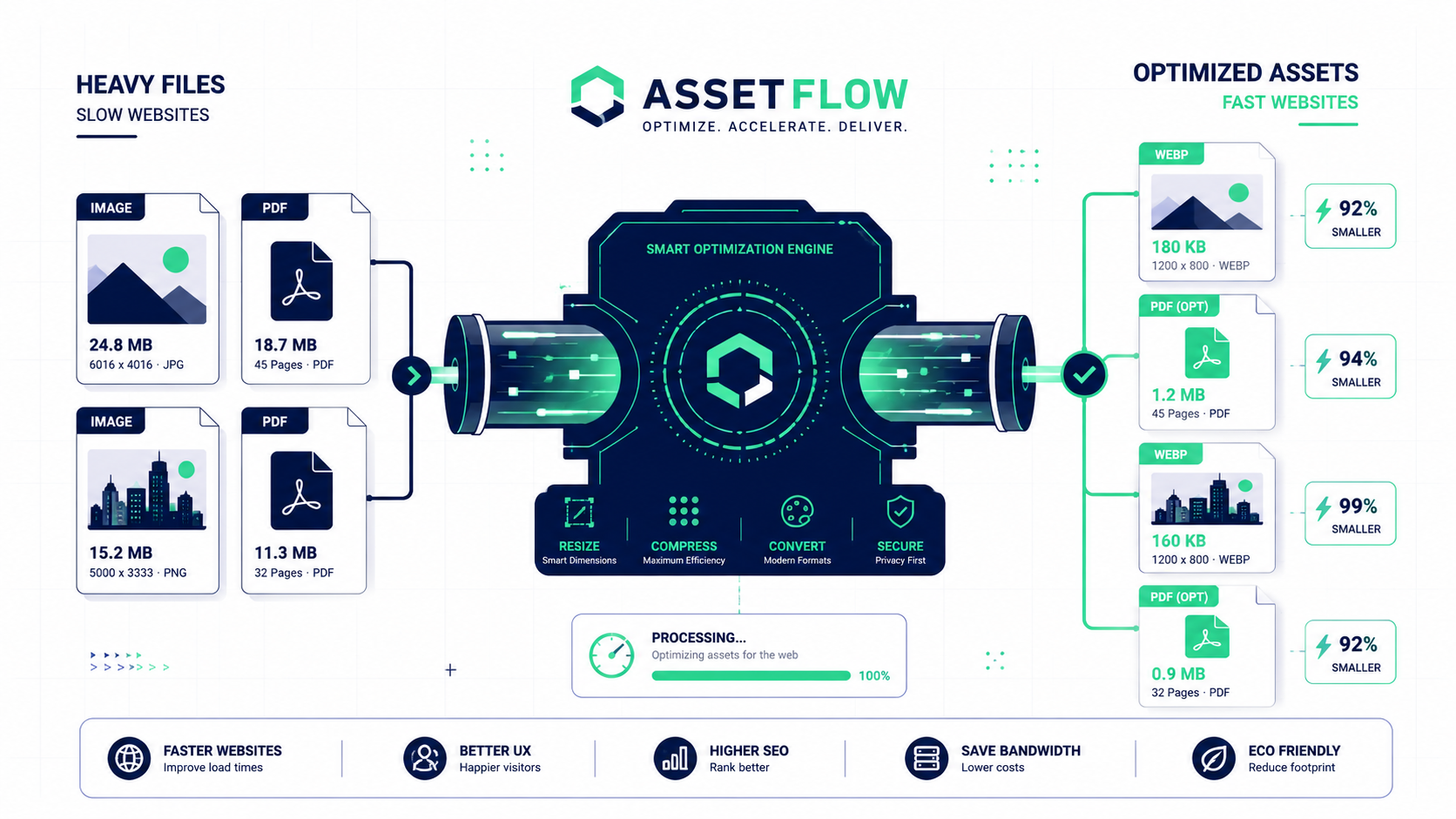
The first step in any robust asset pipeline is managing the sheer weight of raw data. Modern smartphones and digital cameras capture images at extraordinary resolutions, frequently producing files that exceed 10MB to 15MB each. Attempting to manipulate, store, or transmit a payload of this magnitude is a logistical nightmare for a web application. It dramatically increases memory consumption, slows down rendering threads, and destroys the user experience on mobile devices. Therefore, before we can even consider encoding or integrating these assets into our system, we must enforce a rigorous local compression protocol.
Client-side image compression is a fascinating technical process that leverages the HTML5 Canvas element as an invisible processing engine. When a user drops a massive 12MB photograph into a privacy-first utility like the FlowFix Image Compressor, the application reads the file entirely in local memory using the FileReader API. It then paints this image onto a hidden, off-screen Canvas. By manipulating the inherent properties of the Canvas API, we can intelligently resize the dimensions of the image—downsampling it to a maximum width of, for example, 1920 pixels, which is more than sufficient for high-definition desktop displays.
Beyond simple dimensional resizing, the true power of this local pipeline lies in manipulating the compression algorithms during the export phase. When extracting the visual data back out of the Canvas, the application can aggressively strip away invisible metadata (EXIF data, location tags, and heavy camera-specific color profiles) and apply a highly optimized lossy compression ratio (such as 0.7 or 70% quality). The result is mathematically astonishing: a bloated 12MB photograph can be reduced to a crisp, web-optimized 400KB file in milliseconds, all without a single byte of data being transmitted over a network. This drastically reduced payload is now primed for the next critical stage of the pipeline: encoding.
Phase 2: Base64 Encoding and Eradicating HTTP Bottlenecks
With our visual assets thoroughly compressed, we must now solve the most persistent performance bottleneck in frontend development: the HTTP request limit. Browsers are inherently restricted by the number of simultaneous network connections they can open to a single domain. If your web application or email template relies on dozens of small external images, icons, or logos, the browser must queue these requests. This queuing process creates a severe render-blocking scenario, leading to the dreaded 'pop-in' effect where UI elements load asynchronously, jarring the user and severely penalizing your core web vitals.
The elegant, industry-grade solution is to completely bypass the network request by utilizing an Image to Base64 Encoder. Base64 is a binary-to-text encoding scheme that represents binary data in an ASCII string format. By converting our compressed image into a Data URI (a string that begins with data:image/jpeg;base64, followed by the encoded text), we can embed the visual asset directly inline within our HTML or CSS files. When the browser downloads the initial HTML document, it already possesses the exact data required to draw the image. There is no secondary DNS lookup. There is no waiting for a CDN to respond. The rendering is absolutely instantaneous.
However, this power must be wielded strategically. Because of the aforementioned 33% size overhead introduced by Base64 encoding, this technique should be strictly reserved for micro-assets: navigational icons, small UI avatars, loading spinners, and critical above-the-fold logos. Attempting to encode a massive, screen-filling hero background image will bloat your CSS file so severely that the initial document download time will eclipse any performance gains made by avoiding the HTTP request. This perfectly illustrates why the pipeline must be sequential: rigorous local compression enables safe, performant Base64 encoding.
Phase 3: Clean Architecture, DDD, and JSON Payload Formatting
The final phase of our Zero-Server pipeline involves integrating these massive data strings into the broader application state. When building scalable, maintainable software, we must adhere to Clean Architecture and Domain-Driven Design (DDD) principles. In DDD, we define strict boundaries between our entities, our use cases, and our external interfaces. When dealing with Base64 encoded assets, it is a catastrophic architectural error to let raw, unformatted, multi-megabyte strings leak haphazardly throughout your application's state management or database contexts.
To maintain order, these assets must be strictly encapsulated within highly formatted JSON (JavaScript Object Notation) structures. By utilizing a local JSON Formatter and Validator tool, developers can ensure that their Data Transfer Objects (DTOs) are pristine before they are processed by the core domain logic. A well-structured JSON payload might isolate the Base64 string within a specific `media` bounded context, keeping it separate from the `user_metadata` or `authentication` boundaries. This ensures that if you need to log a user object for debugging, you aren't inadvertently flooding your console with ten thousand lines of encoded ASCII gibberish.
Furthermore, validating the JSON payload locally ensures that the structural integrity of the code is sound before any further execution occurs. Missing commas, unescaped characters within the Base64 string, or deeply nested structural errors can cause catastrophic runtime failures. A browser-based JSON formatting tool acts as the final gatekeeper in our pipeline. It parses the combined data structure, validates it against industry standards, and beautifies it for developer readability, all while maintaining the strict privacy mandate by never transmitting the sensitive embedded assets to a remote server for validation. By combining these three powerful, locally executed utilities—Compression, Base64 Encoding, and JSON Formatting—developers can engineer highly resilient, blisteringly fast, and absolutely secure web applications that represent the pinnacle of modern software architecture.