Compress, merge, and convert your PDFs and Images directly in your browser. Secure, vetted, and always free.
The free, highly-secure file utility platform you can trust.
FlowFix is a free, all-in-one platform providing a comprehensive suite of PDF and image tools built for speed, security, and total simplicity. Created by Insyra, FlowFix eliminates the frustration of expensive software subscriptions.
What separates FlowFix from other online tools is our commitment to strict client-side processing. Every confidential file you work with is processed entirely within your web browser using modern WebAssembly.
Today, FlowFix offers 14 powerful utility tools spanning PDF management and high-quality image processing. Every tool is completely free and completely without limits-meaning no hidden watermarks.
A balanced selection of our top rated PDF and Image tools to get you started.
Thousands trust FlowFix for their tasks. Here is what sets us apart.
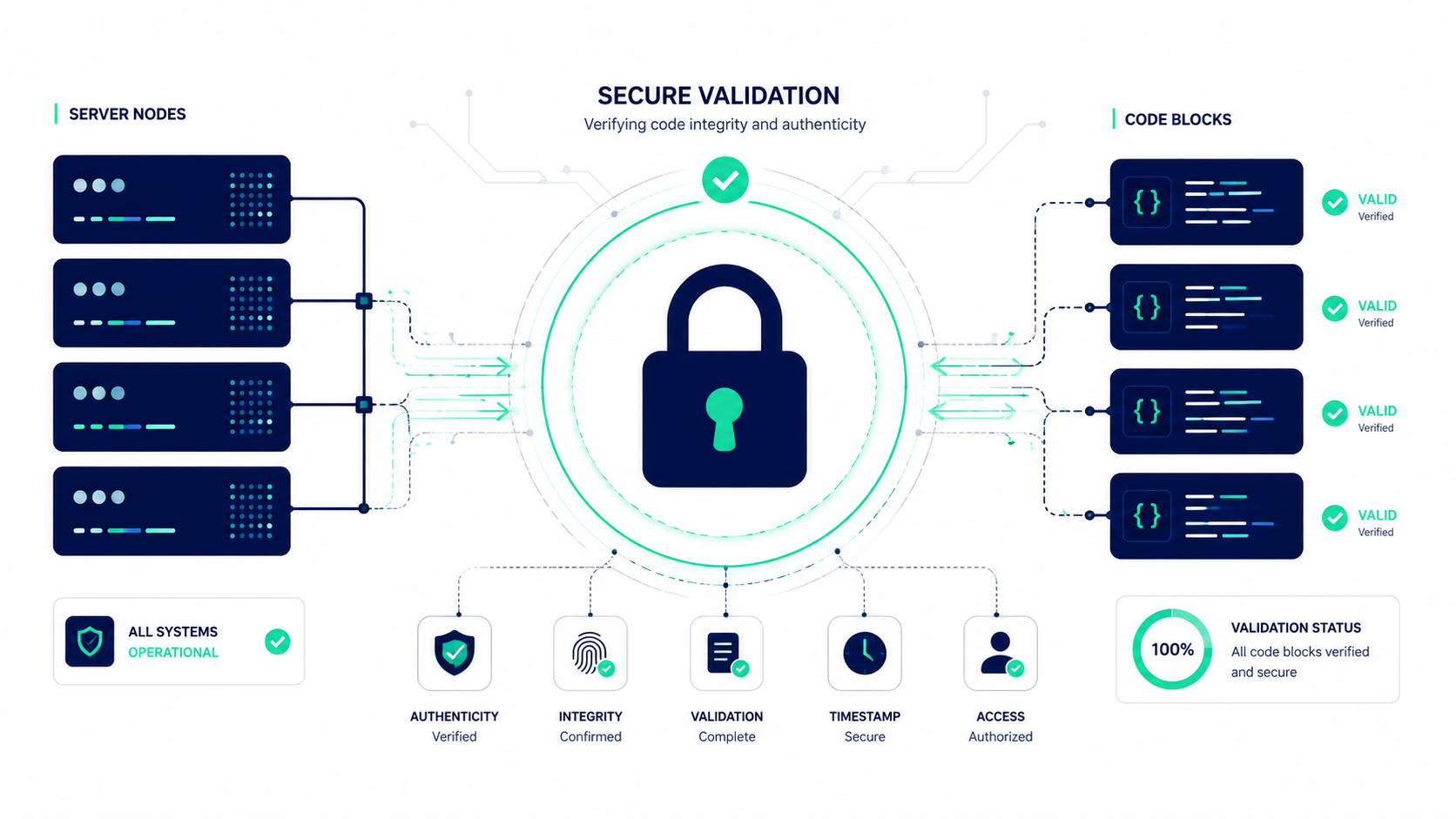
Every file you process strictly remains on your device. Unlike traditional tools that force uploads to remote servers, FlowFix utilizes advanced browser-based technology. Your highly confidential documents and personal photos absolutely never leave your computer.
FlowFix runs flawlessly on any modern web browser-including Chrome, Firefox, Safari, or Edge-across desktops, tablets, and smartphones. Forget about complex downloads, installations, or compatibility issues. Simply open a browser and start working instantly.
We strongly believe in making utility tools accessible without frustrating barriers. You never need to create an account, provide an email address, or endure any restrictive registration process. Every featured tool is fully available instantly.
Process as many heavy files as you demand-there are absolutely no daily usage limits, no disruptive watermarks, and no hidden paywalls. Every advanced feature stands completely free for every user without forcing expensive yearly subscriptions.
Everything is processed locally in three simple steps.
Choose the tool you need-whether it runs merging PDFs, compressing images, or converting file formats. Then simply drag and drop your file exactly into the secure upload zone or securely browse your device. We natively support all major document and image formats.
This is where FlowFix is distinctly different. Instead of sending files to a distant remote server, our utilities rapidly tap into your browser's processing power through modern WebAssembly. The entire operation runs strictly on your device. Your file never leaves your computer.
Once the secure processing is fully complete (usually inside just a few seconds), your stunningly optimized file is explicitly ready for immediate download. Save the brilliant result directly back to your device. There are zero watermarks and completely no strings safely attached.
Welcome to the comprehensive reference and user handbook for FlowFix. Below, you will find detailed information about our architecture, privacy protocols, tool capabilities, and core development philosophy.
FlowFix is a free online toolkit for everyday PDF and image tasks: merge, compress, split, and edit PDFs, resize and convert images, and generate QR codes, all without installing software or creating an account. Every tool runs directly in your browser using WebAssembly technology, which means your files are processed on your own device and never uploaded to a server. Whether you are a student compressing a thesis for email, a small business owner merging invoices, or a developer formatting JSON, FlowFix gives you fast, private, and completely free tools for the tasks you do every day.
Unlike standard web applications that operate by sending your documents and photos to a central remote server, FlowFix operates entirely within the security boundary of your local browser. By compiling complex utility logic into highly optimized bytecode, we execute heavy file manipulations directly on your desktop or mobile CPU. This method eliminates the bandwidth-heavy process of uploading files, waiting for remote servers to finish execution, and then downloading the resulting output. This client-side approach ensures that your original documents remain completely under your control, delivering performance that is both highly secure and fast.
Unlike most online PDF and image converters, FlowFix never uploads your files to a remote server. All processing happens locally in your browser, so sensitive documents like contracts, ID scans, or financial statements never leave your device. Standard internet file tools present a major security vector because they store copy versions of your private documents on third-party cloud architectures. Even when companies claim to delete files within a specified hour range, the transient transmission introduces opportunities for interception or leakage. FlowFix bypasses this risk completely: since the processing engine is loaded directly into your local browser environment, no file packets are ever sent across the web socket or HTTP connection. Your sensitive contracts, invoices, scans, and family photos are safe inside your device memory.
Every tool is available instantly: no account creation, no email verification, and no software download. Open a tool and start working in seconds. We believe that lightweight utilities should be accessible immediately without user barriers. Many platforms require you to provide an email address, verify your subscription plan, or sit through lengthy onboarding steps before allowing you to run a simple five-second format or merge task. FlowFix has no onboarding walls. Furthermore, you do not need to install browser extensions, desktop executables, or helper daemons, protecting your operating system from security vulnerability bloat and performance degradation.
FlowFix doesn't lock features behind a paywall or add watermarks to your files. All 19 tools are free to use as often as you need. It is common for online software to brand itself as free, only to append restrictive size quotas, page count maximums, or daily usage throttle caps after your initial upload. Many tools go a step further by embedding visible branding watermarks that render your business contracts or academic papers unusable. FlowFix rejects this. We provide full, unrestricted access to our complete library of tools, ensuring that students, independent developers, and small business owners can complete their work without financial friction or hidden paywalls.
Because everything runs in your browser, FlowFix works the same way on Windows, Mac, Linux, Android, and iOS: no separate app needed. Cross-platform compatibility is guaranteed because our engine builds upon standardized web tech. Whether you are using Chrome on a Linux terminal, Safari on an iPad, Firefox on a Windows desktop, or Edge on a mobile Android device, the user interface and processing performance remain uniform. You never have to search for native operating system builds or worry about version mismatches. As long as your web browser is capable of running JavaScript and WebAssembly, you have instant access to our entire catalog of utility tools.
PDF Tools: Merge, compress, split, organize, repair, number, and edit PDF files without needing Adobe Acrobat or any paid software.
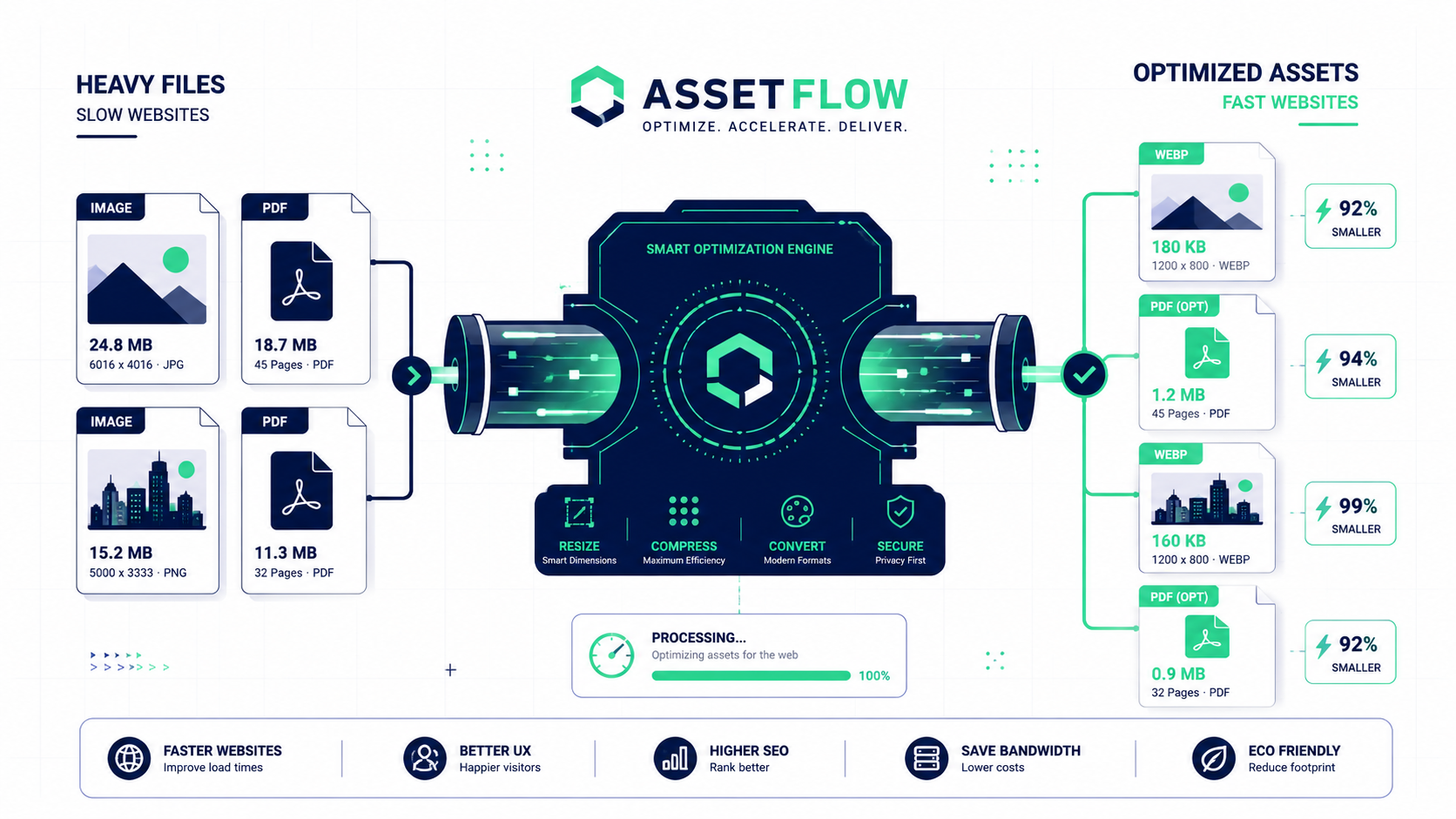
Image Tools: Compress, resize, crop, convert, and transform images between formats, or turn photos into PDF documents.
Developer Tools: Generate QR codes, format JSON/YAML/XML, create UUIDs, work with JWTs, view Markdown files, and compare text: quick utilities built for everyday development work.
FlowFix was built on a simple idea: everyday file tools shouldn't require you to trade your privacy or your wallet. By processing everything locally in your browser, we remove the two biggest downsides of typical online converters: the risk of uploading personal files to unknown servers, and the friction of subscriptions and sign-ups. New tools are added regularly based on user feedback, so if there's something you wish FlowFix could do, we'd love to hear about it. In an era where personal information has become a monetization asset, we aim to demonstrate that essential tools can exist without corporate data collection. All software libraries, conversion utilities, and rendering components we deploy conform to standards that preserve user data security. Our local-first engineering ensures that our tools run correctly even when you have intermittent network connectivity. FlowFix is here to help you get your daily tasks done efficiently, privately, and for free.
Tips, tutorials, and insights to help you get the most out of our tools.
Everything you need to know about FlowFix's free online PDF and image tools.