The Challenge of Digital Publishing
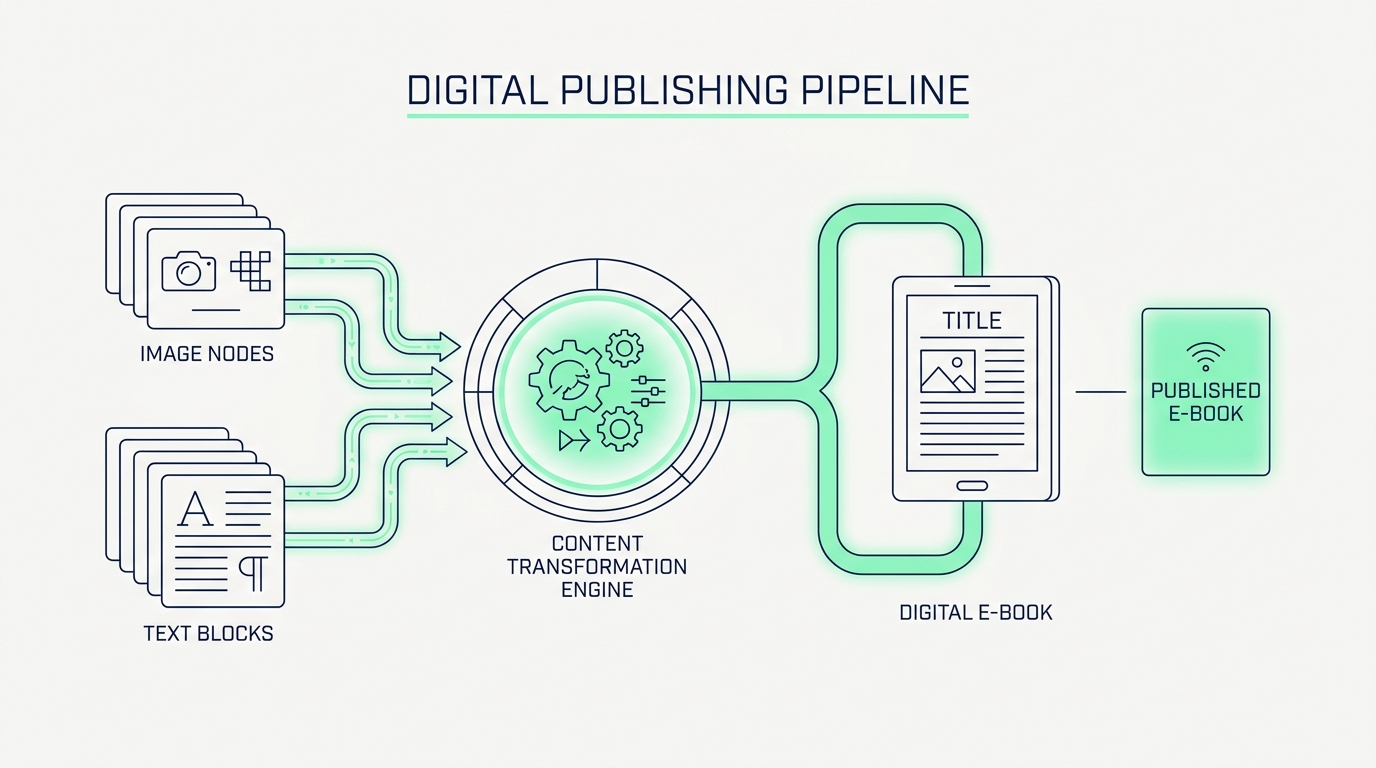
For indie authors, zine creators, and digital marketers, publishing a digital e-book is a complex juggling act. A high-quality digital book is rarely just a text file. It requires combining a high-resolution cover image, internal chapter illustrations, and the written manuscript itself. Creators often struggle to combine these different file types into a single, optimized PDF for distribution on platforms like Amazon or Gumroad. Relying on a free online image to PDF converter or web-based merge tool presents a significant security risk. Uploading your unreleased manuscript to a third-party server exposes your intellectual property to plagiarism and unauthorized distribution before your official launch day.
To maintain complete control over your creative work, authors must adopt a local publishing pipeline. By utilizing the FlowFix zero-server suite, creators can securely resize cover art, convert images into document pages, and merge everything into a final manuscript directly within their browser. Because this process uses your computer's local memory, your unreleased book never touches the internet during the formatting phase.
Phase 1: Manuscript Formatting and Image Resizing
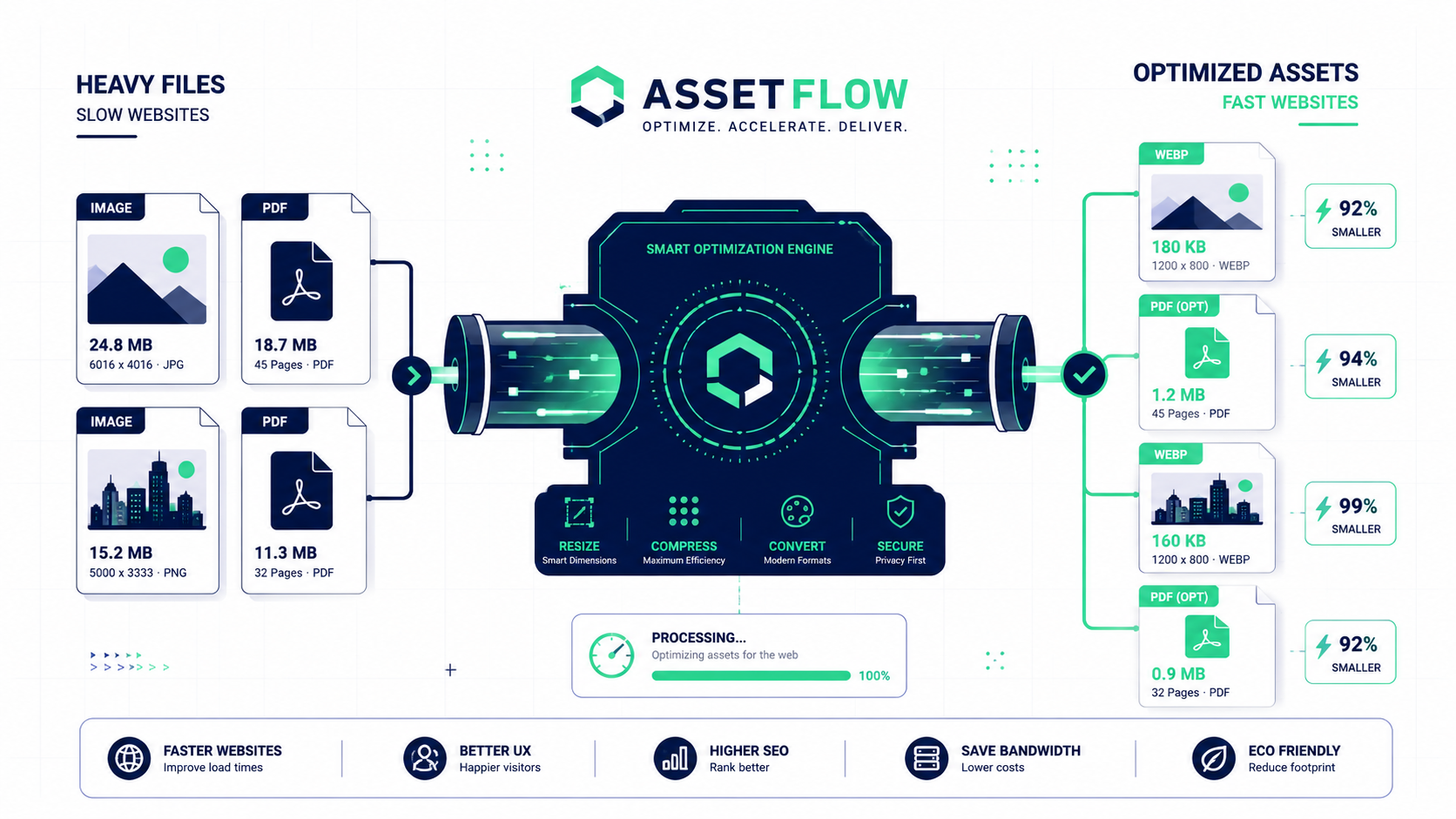
A professional e-book requires precise formatting. Before compiling the final document, writers can preview their markdown-formatted chapters locally to ensure the typography and spacing are perfect. Once the text is locked, you must prepare the visual assets. Book covers and internal illustrations are typically created as heavy PNG or JPG files. Use the local Resize Image tool to scale your high-resolution cover art and internal graphics to the exact pixel dimensions required by your digital storefront, ensuring the artwork looks crisp on tablets and e-readers without inflating the final file size.
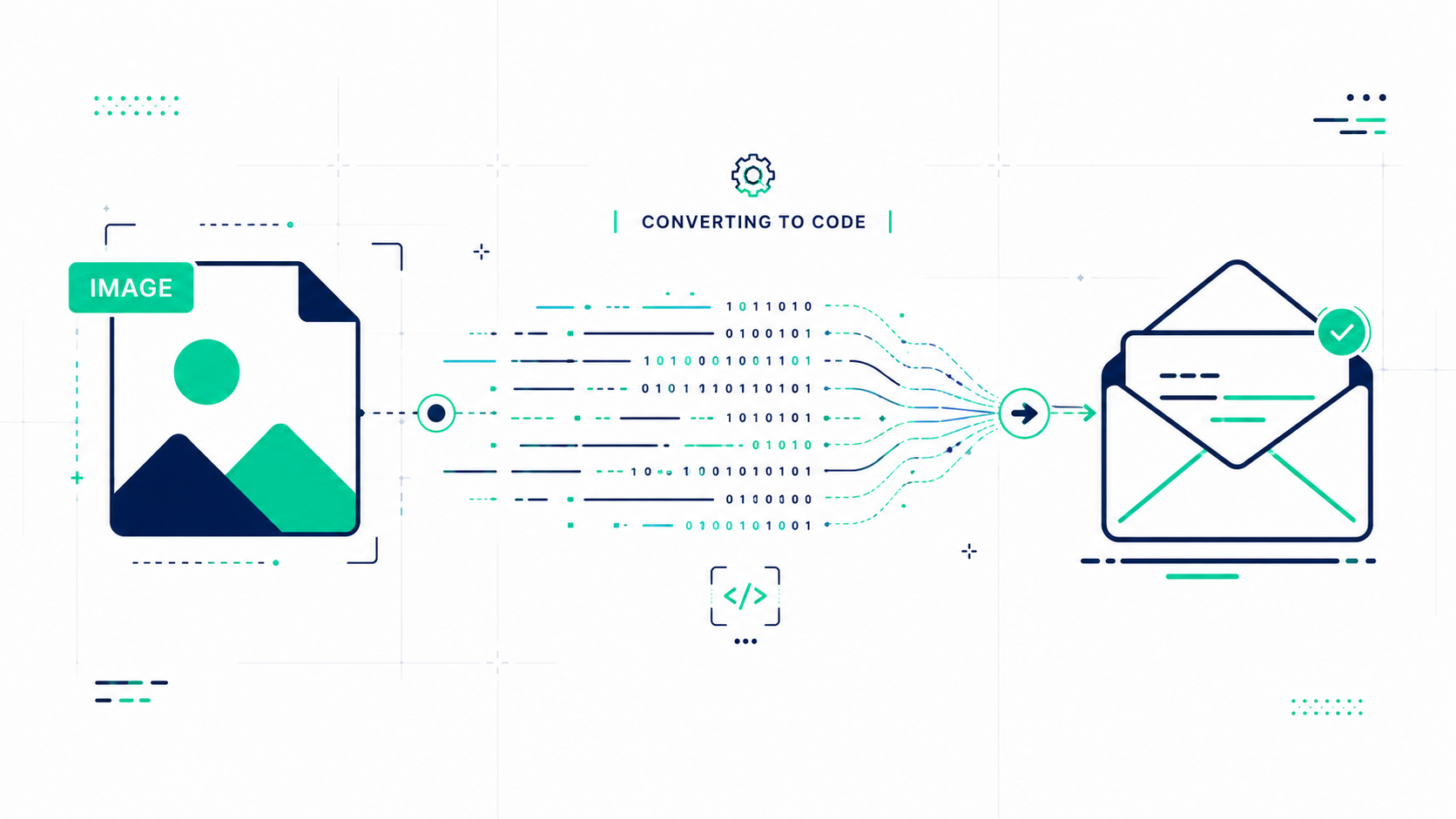
Next, you need to transition these graphics into a document format. Drop your optimized artwork into the Image to PDF Converter. This utility takes your standalone images and mounts them onto perfectly scaled PDF pages. You now have your text manuscript and your visual assets in the exact same format, ready for the final assembly.
Phase 2: The Final Image Merge and Compression
With all components standardized, it is time for the final assembly. Open the Merge PDF tool. This step acts as your master image merge, allowing you to drag and drop your cover art PDF, your internal illustration PDFs, and your text-based manuscript PDF onto a single visual canvas. You can rearrange the order to ensure the title page sits exactly where it belongs. Clicking the merge button instantly fuses these separate elements into one unified, cohesive e-book file.
The final hurdle is distribution. E-commerce platforms and email marketing software have strict file size limits for digital downloads. Drop your beautifully merged e-book into the Compress PDF tool. The local engine will mathematically shrink the overall file footprint while preserving the crispness of your cover art and the legibility of your text. You have successfully published a secure, highly optimized e-book ready for your readers.