The Digital Classroom Struggle
Modern educators face a unique set of technical hurdles. Between managing heavy digital textbooks, dealing with strict Learning Management System (LMS) file limits, and handling highly sensitive student records, teachers spend hours wrestling with file formats. The instinct to use free online PDF tools is strong when you just need to split a textbook or compress a massive reading packet. However, for educators, these cloud-based tools introduce a massive liability.
Uploading student data, such as Individualized Education Programs (IEPs), graded rubrics, or behavioral reports to unverified third-party websites is a direct violation of strict student privacy laws like FERPA. Once a document is uploaded to a free server, you lose control over who stores, reads, or intercepts that data. Furthermore, relying on cloud tools requires a fast internet connection, which is not a guarantee in many school buildings.
To build digital lesson plans safely and efficiently, educators must adopt a local workflow. By utilizing the FlowFix zero-server suite, teachers can chain together powerful utilities to split, extract, repair, merge, and compress their classroom materials entirely on their local computers, ensuring absolute privacy and lightning-fast preparation.
Phase 1: Material Extraction and Repair
Building the perfect weekly study packet begins with gathering your materials. Often, a teacher is provided with a massive, 300-page digital textbook, but the students only need to read chapter four. Dropping this massive file into the FlowFix Split PDF tool allows you to instantly extract just the ten pages required for the week, saving your students from endlessly scrolling through irrelevant chapters.
Next, you may want to feature a specific historical map or biology diagram on the classroom projector. Instead of taking a messy screenshot, route the worksheet through the PDF to Image tool. This extracts crisp, high-resolution graphics perfectly formatted for your presentation slides. Finally, every teacher has a folder of legacy lesson plans from five years ago. When an old, critical worksheet refuses to open, simply drop it into the local Repair PDF utility to rebuild the corrupted file and recover your hard work in seconds.
Phase 2: Assembly and LMS Optimization
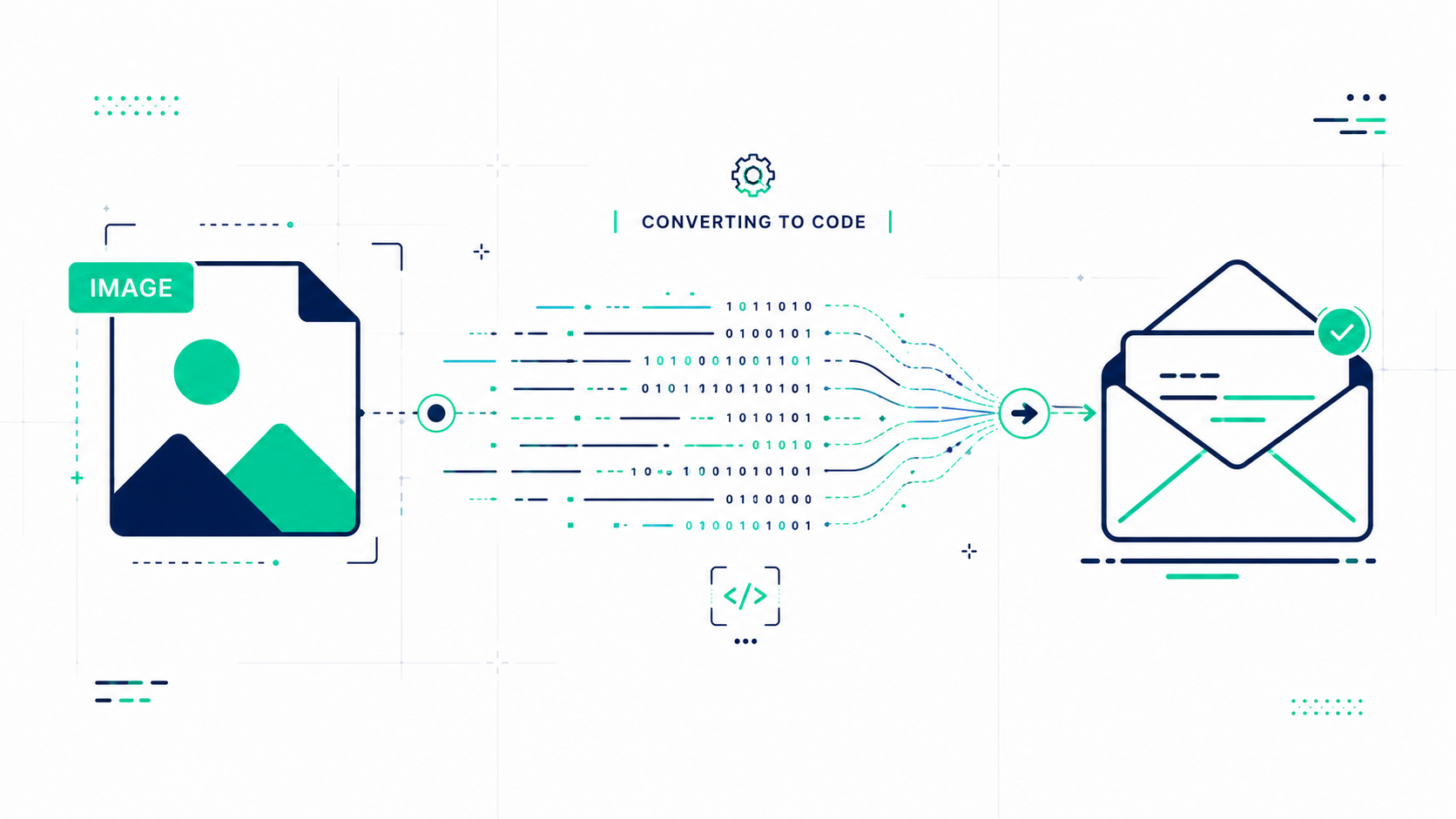
With your materials prepped, it is time to build the master packet and distribute it. Modern classrooms require easy access, so begin by using the local QR Code Generator. You can instantly spin up a static, ad-free QR code linking to the semester syllabus or the class portal. You can print this out for Back-to-School night or include it on the front page of your digital assignments.
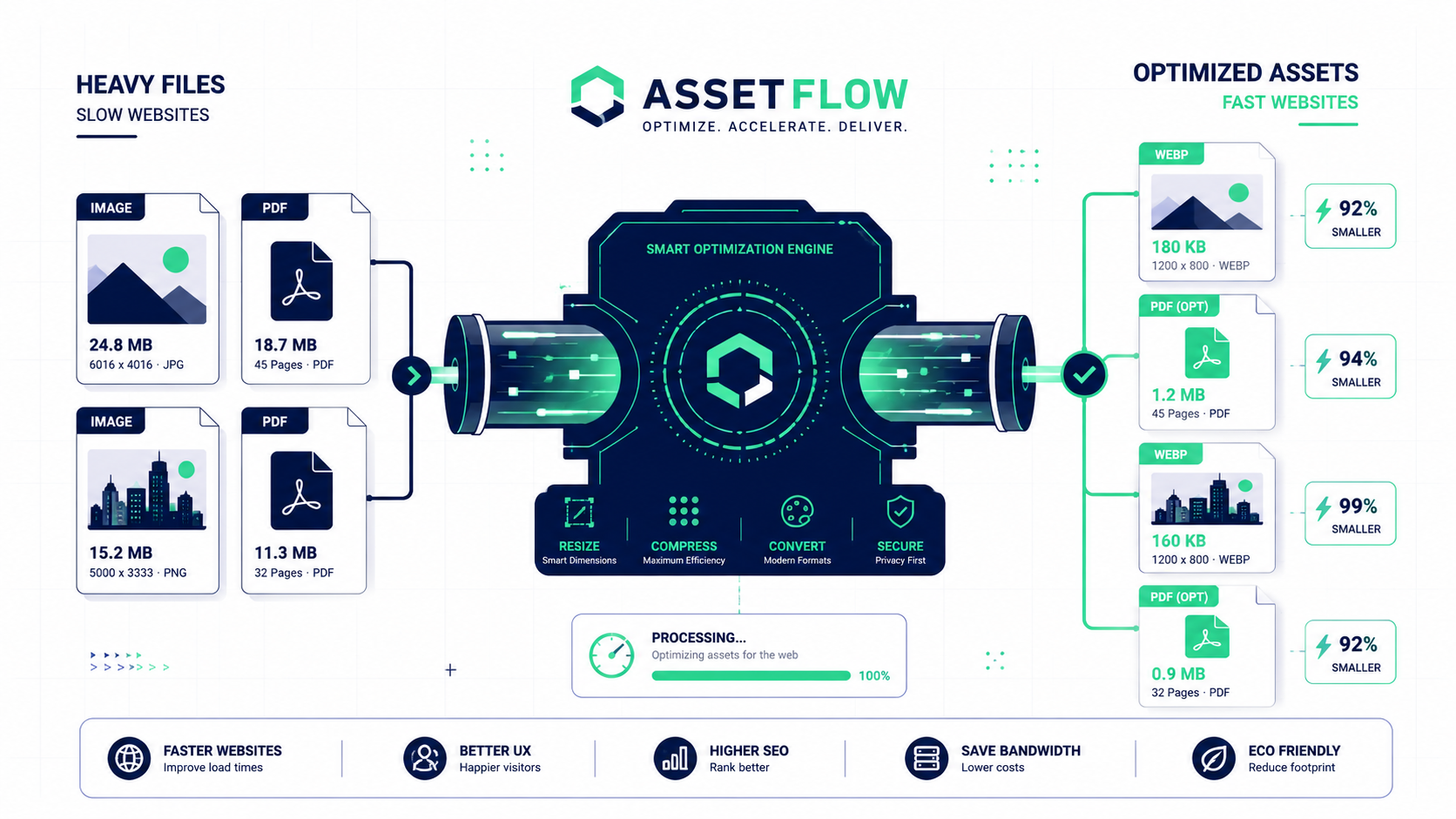
Now, compile your week's resources. Open the Merge PDF tool and drag in your generated QR code cover sheet, the extracted textbook reading, and your newly repaired worksheets. Click merge to instantly bind them into a single, cohesive file. The final hurdle is your school's LMS, which often rejects files larger than 10MB. Drop your beautifully merged packet into the Compress PDF tool. The local engine will drastically shrink the file footprint without making the reading text blurry, ensuring a flawless, frictionless upload for your students.