The Unexpected Chaos of Mobile Scanning
Smartphone scanning applications have completely revolutionized how modern students, remote teachers, and busy professionals digitize physical documents. Instead of fighting with a bulky, outdated flatbed scanner in the office corner, you simply point your phone's camera at a stack of paper, snap a few photos, and let the app's algorithm do the rest. However, this incredible convenience often comes at the direct cost of structural organization. When you are rapidly scanning a 30-page textbook chapter or a lengthy legal contract under poor lighting, mistakes are bound to happen. You often end up with a final compiled PDF where page 4 is completely upside down, page 12 is a blurry outtake that desperately needs to be deleted, and the back cover was accidentally scanned as a giant, useless blank page.
Sending a messy, disorganized digital document to an important client, a strict professor, or a new colleague looks highly unprofessional and rushed. It forces the reader to perform mental gymnastics to read upside-down text or scroll past useless blank space just to find the core information. Historically, fixing these structural errors meant you either had to painstakingly re-scan the entire 30-page document from scratch, hoping you did not make a new mistake, or you had to pay for a premium subscription to heavy desktop software just to click a simple 'rotate' button.
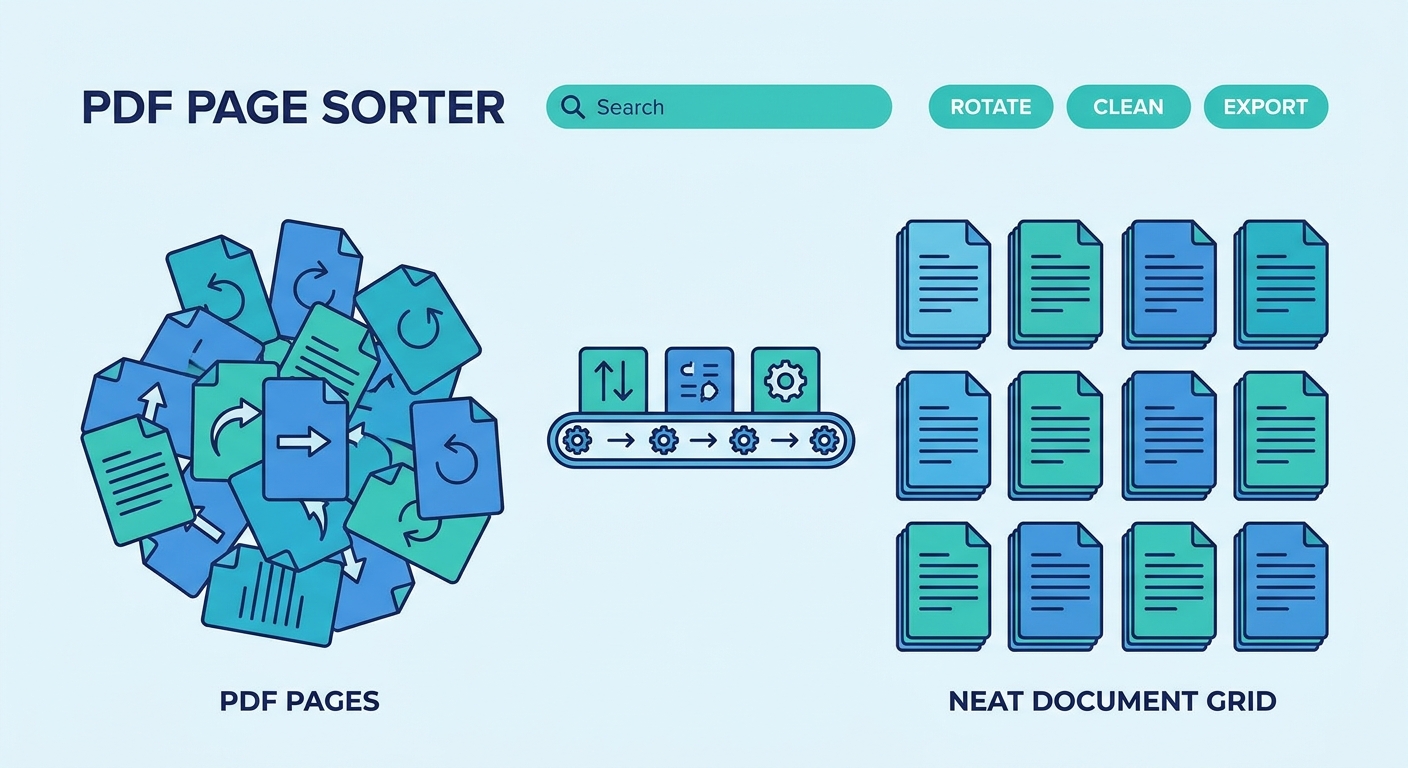
Today, you can handle all of this frustrating post-scan cleanup digitally in just a few seconds. By uploading your messy document to an Organize PDF tool, you are immediately presented with a clear visual storyboard of every single page. Think of it as a virtual sorting desk. With a few simple clicks, you can drag and drop pages into their proper chronological order, permanently delete those accidental blank or blurry scans, and instantly rotate upside-down pages 90 or 180 degrees to fix orientation. Once your digital desk is perfectly tidy, you simply download the polished, professional final version.