
The Problem with Pixels in Documents
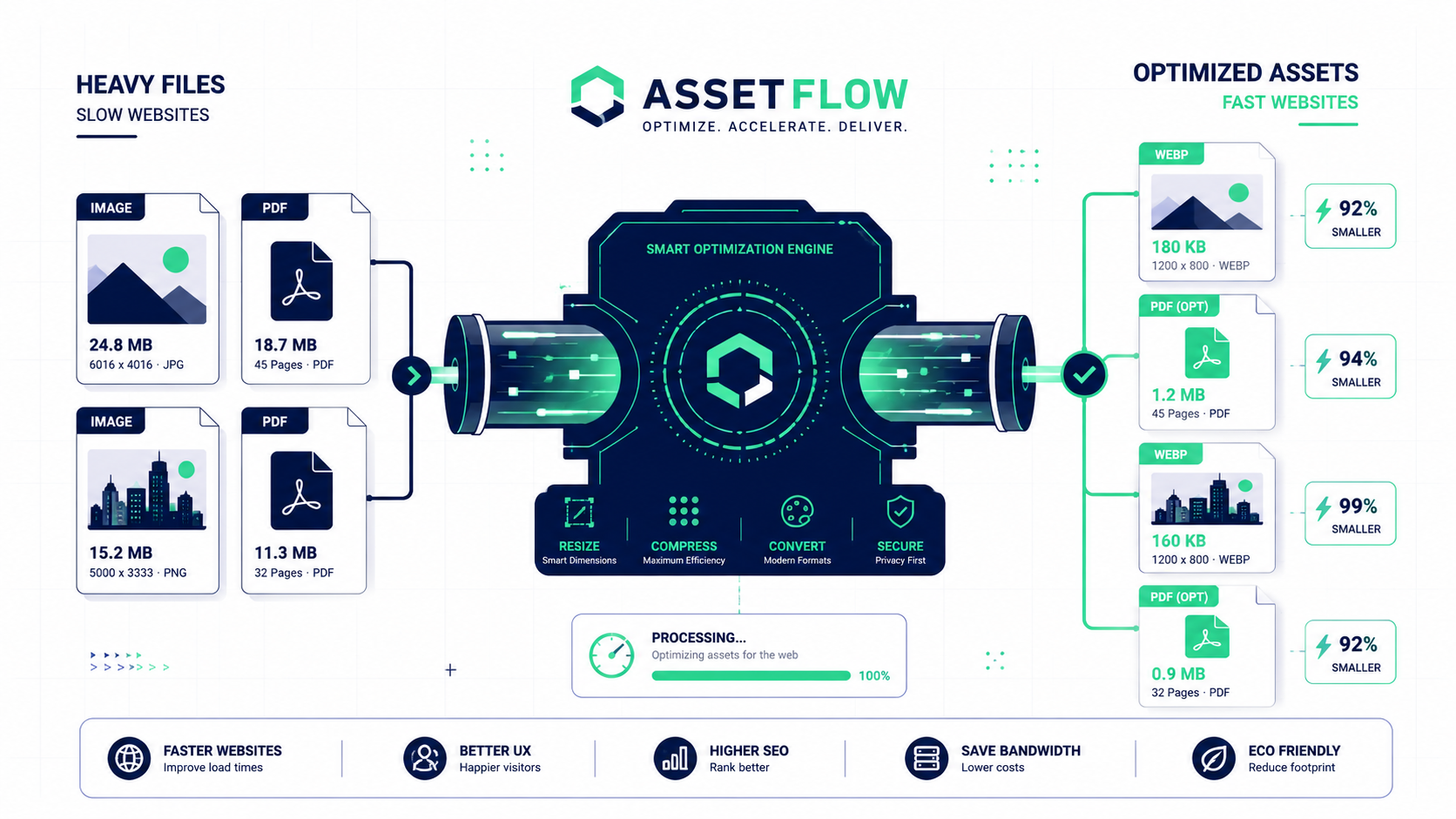
If you have ever zoomed in on a PDF report and noticed the company logos or data charts turning into blurry, jagged blocks, you are looking at standard bitmap images like JPGs or PNGs. Bitmaps are built using a fixed, rigid grid of pixels. When you scale them up, the software has to guess how to fill the gaps, which destroys the visual quality. Furthermore, trying to solve this blurriness by using ultra high resolution bitmaps drastically inflates the file size of your PDF, making it incredibly hard to email to clients or colleagues.
The smart alternative utilized by top designers is integrating vector graphics like SVG formats into your document layouts. Vectors are not made of pixels at all; they are based on mathematical formulas that plot points, lines, and curves dynamically. This means they are completely resolution independent. A vector logo will look perfectly crisp whether viewed on a small smartphone screen or printed on a massive presentation board. Best of all, it requires only a tiny fraction of the digital storage space compared to a standard photo. By using an Image to PDF tool properly, you can manage these assets with ease.